When it comes to the fast-paced world of e-commerce, selecting the right Shopify Template can make all the difference in the outcome of your online store. An effective theme enhances user experience, maximizes SEO potential, and aligns your brand identity and visual experience with the products and services you offer. Here we are in 2025,…

- Blog
- SEO Read latest updates about SEO, search marketing and tutorials.
- PWA
Read tutorials on Progressive Web Apps to utilize modern Web capabilities.- Social Media
Read latest social media trends, & tips to reach and engage your audience.- Ecommerce
Read the latest news and updates on eCommerce industry.- Magento 2
Read the latest news and tutorial blog posts about Magento 2.- Platforms
- Magento 2
- Shopify
- PrestaShop
- BigCommerce
- WooCommerce
- OpenCart
- Templates
- Magento 2 Themes
- PrestaShop Themes
- Shopify Themes
- OpenCart Themes
- WooCommerce Themes
- BigCommerce Themes
- Modules
- Magento 2 Extensions
- PrestaShop Modules
- Shopify Apps
- OpenCart Extensions
- WooCommerce Plugins
What do you want to learn today?- Popular searches:
- magento 2 themes
- prestashop themes
- shopify themes
- opencart themes
- woocommerce themes
Tag: Best Shopify Tutorials
In this article we’ll show you, how to add Google Analytics to Shopify. Follow this simple steps… Step 1: Get Started First go to your Google Analytics account and from sidebar click on Admin. Now form here, In the property column click on Tracking Info and then click on Tracking Code. Now as shown in…
In this article we’ll show you, how to add Favicon to Your Shopify Store. Follow this simple steps… Step 1: Get Started Login into Shopify Admin Panel and from sidebar, click on Online Store and then click on Themes. Step 2: Add Favicon In this article we’ll use Debut Free Shopify Theme to change the…
In this article we’ll show you, how to add a Blog in Your Shopify Store. Follow this simple steps… Step 1: Get Started Login into Shopify Admin Panel and from sidebar, click on Online Store and then click on Blog Posts. Step 2: Add Blog Posts Now click on Add Blog Post button at top…
In this article we’ll show you, how to Create Discount Code in Your Shopify Store. Follow this simple steps… Step 1: Get Started Login into Shopify Admin Panel and from sidebar, click on Discounts. Step 2: Create Discount Code Now here click on Create Discount button at the top right corner. Now one pop-up is…
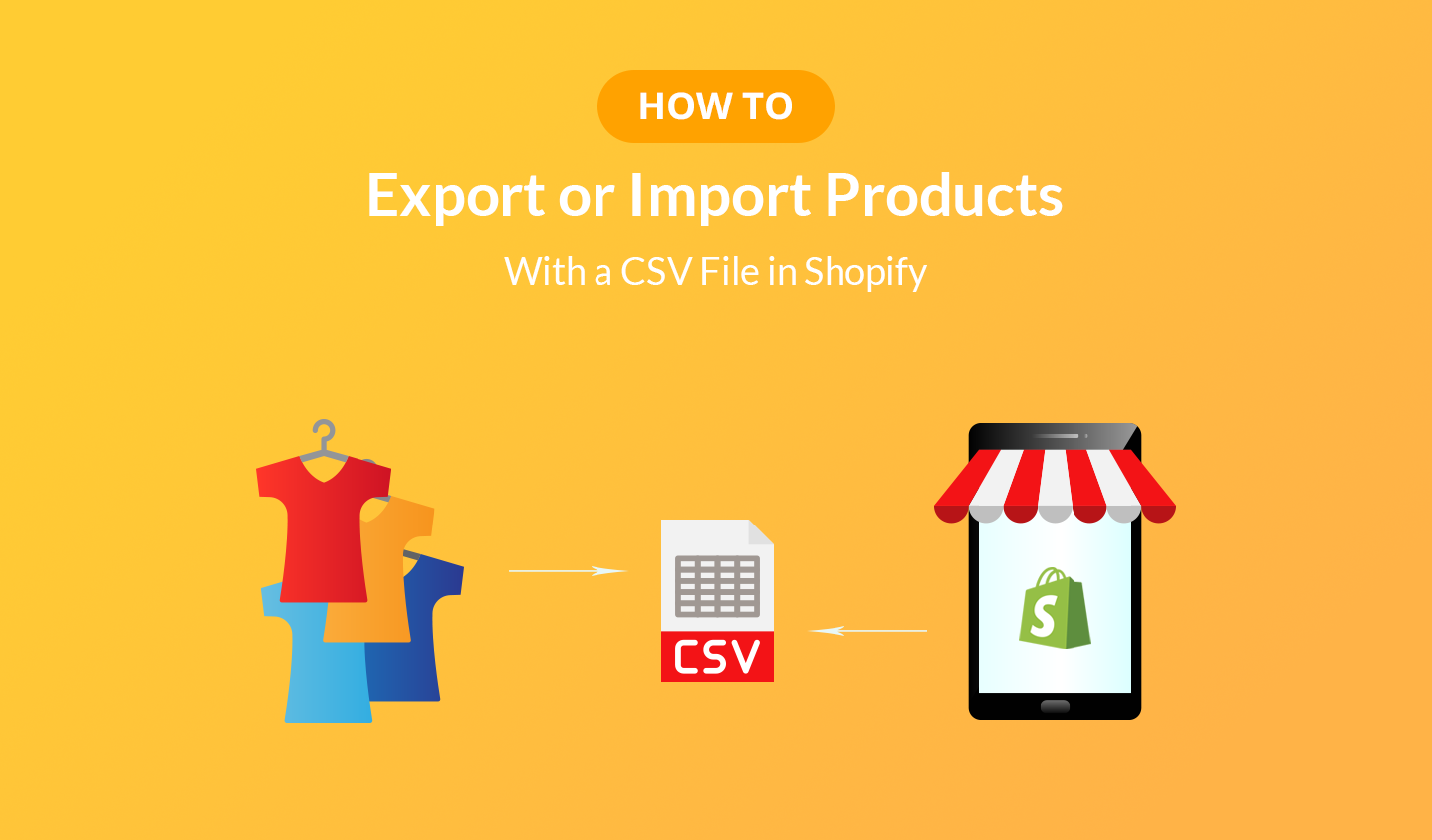
In this article we’ll show you, how to Export or Import products with a CSV File in Shopify. Follow this simple steps… Step 1: Get Started Login into Shopify Admin Panel and from sidebar, click on Products. Step 2: Export or Import Products To Export the Products: Click on Export button, One pop-up is open….


 Copyright © 2020 EcommerceRoot. All Right Reserved.
 - PrestaShop Modules
- PrestaShop Themes
- Shopify
- PWA
- SEO