



In this article we’ll show you, how to add a Blog in Your Shopify Store. Follow this simple steps…
Step 1: Get Started
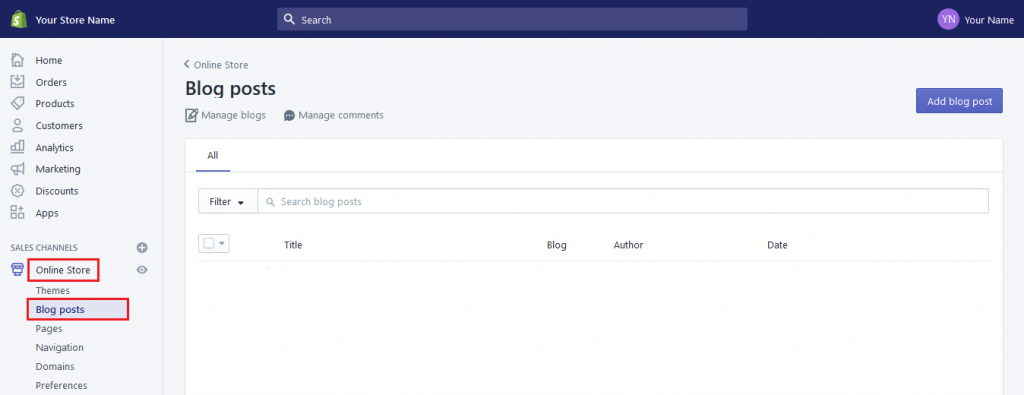
Login into Shopify Admin Panel and from sidebar, click on Online Store and then click on Blog Posts.
Step 2: Add Blog Posts
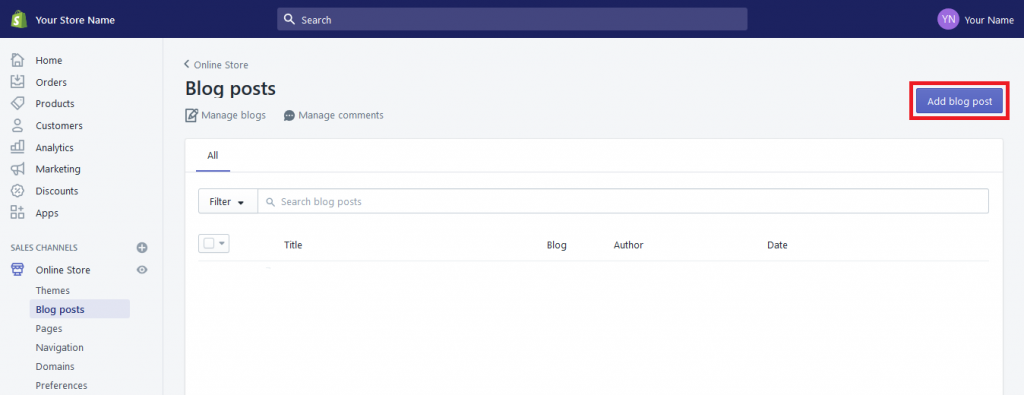
Now click on Add Blog Post button at top right corner.
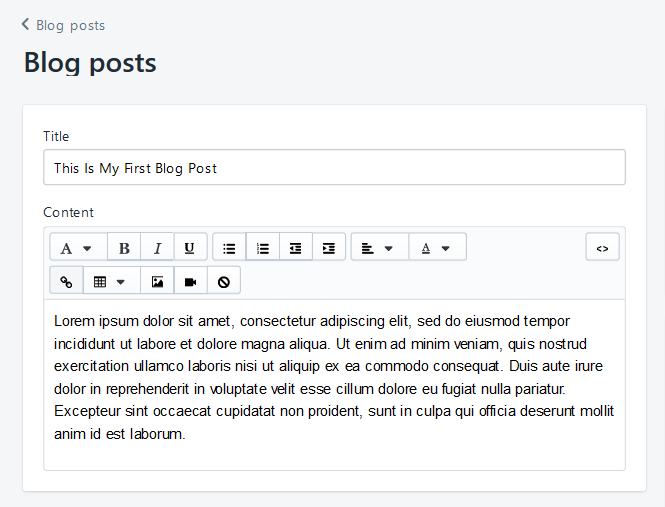
Here you have to fill all details for blog. Add Blog Title and Description here.
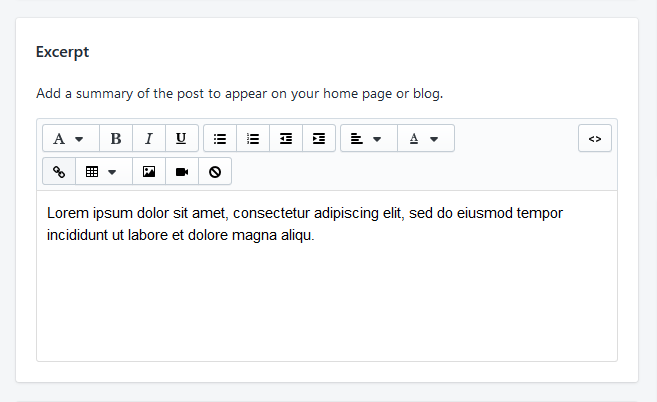
Add Excerpt, Add a summary of the post to appear on your home page or blog.
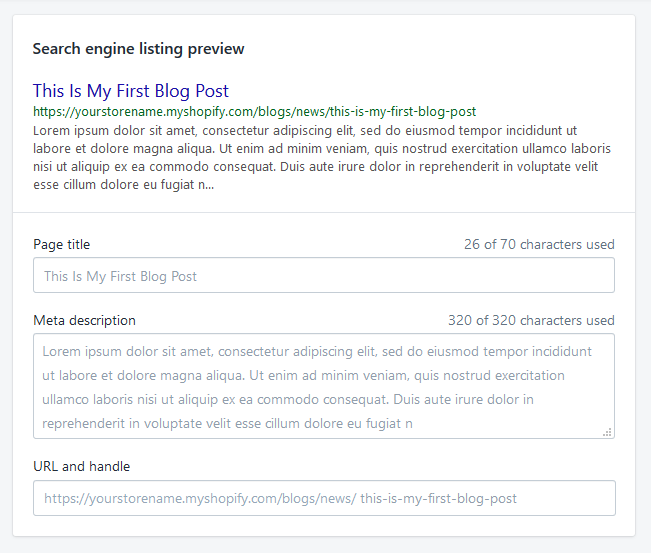
Here you can see search engine listing preview of your blog post and also you can edit Page Title, Meta Description, URL etc.
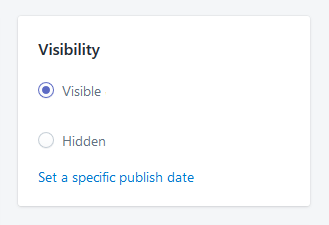
Now at left side bar, you can set visibility of your blog post.
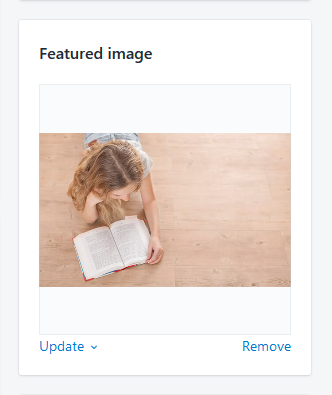
Add a featured images for your blog post.
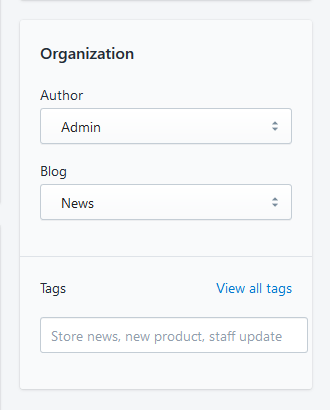
In Organization filed you can select the Author, Blog Category and Tag for your blog post.
Yeah Done! In the same you can create more Blog post as you want!
Let us know in the comment section, if you have any question.

Ecommerce Root is one of the leading ecommerce guide which provides total solutions for ecommerce.


Leave a Reply