


In this article we’ll show you, how to add a Product in Your OpenCart Store. Follow this simple steps…
Step 1: Get Started
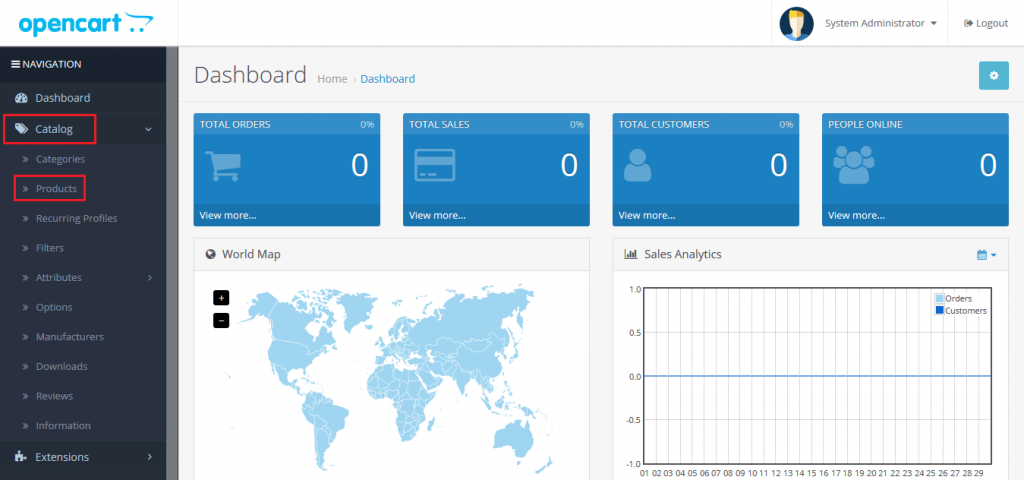
Login into your OpenCart admin panel, From sidebar click on Catalog > Products.
Step 2: Add Products
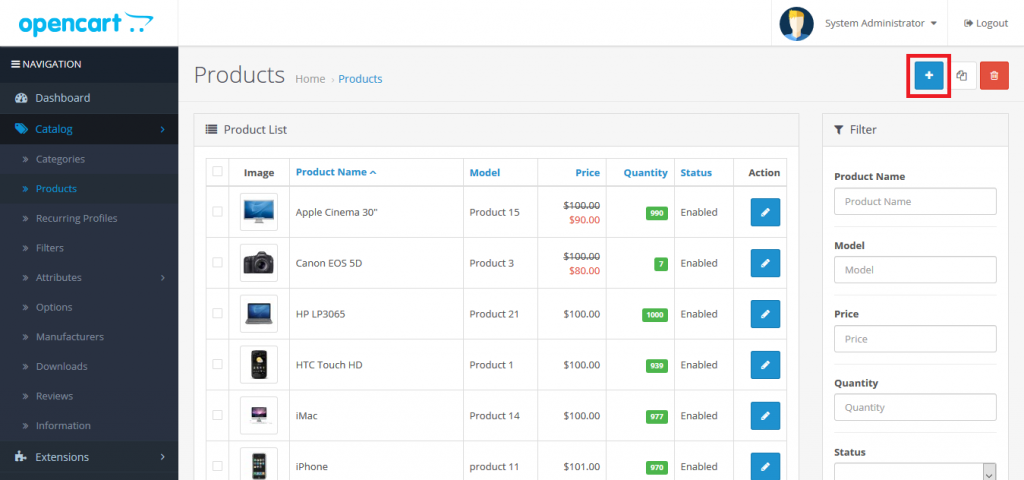
From top-right corner click on plus icon.
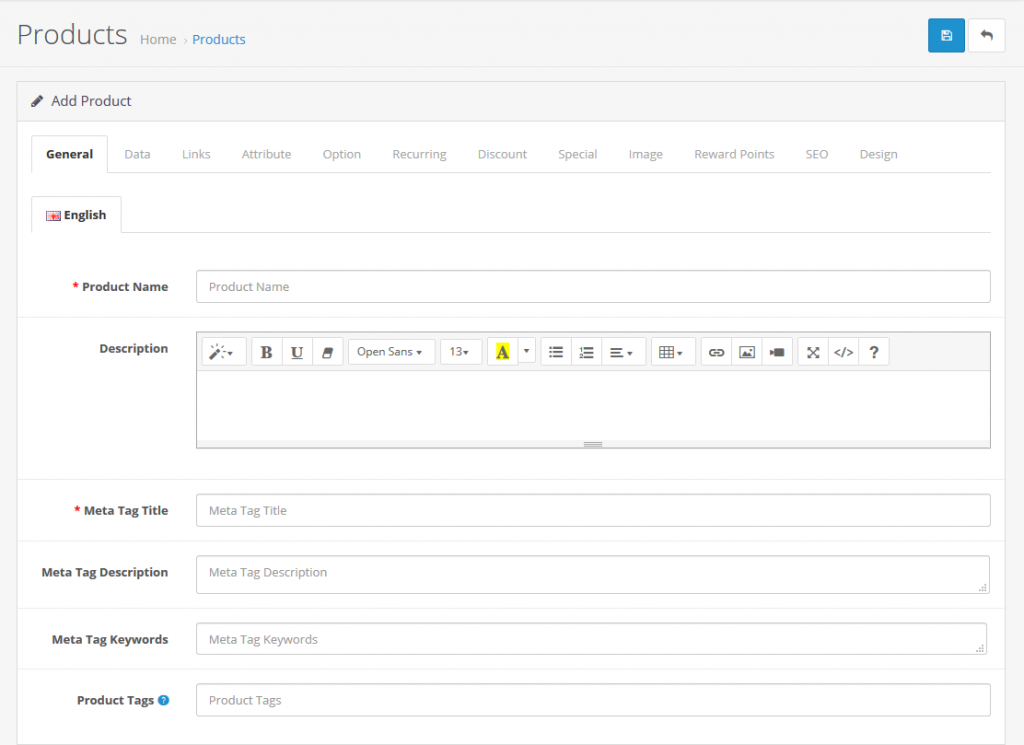
Now here enter the product name and description.
Also here you can add Meta tag, Meta Title, Meta Description and Product Tag.
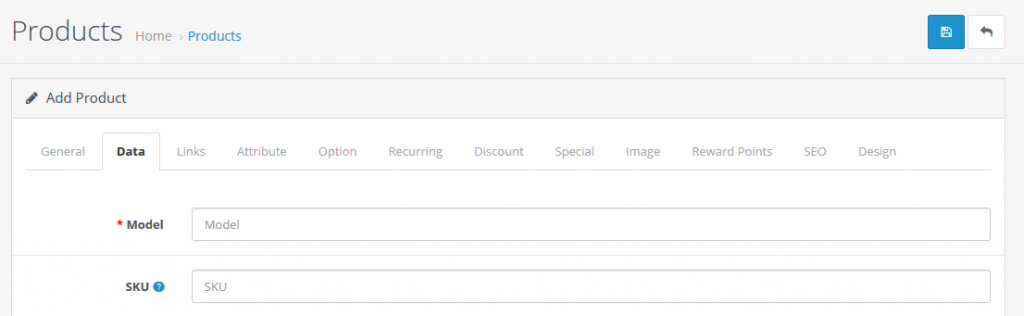
Go to Data tab. Here you can add Model, SKU, Location, Price, Quantity, Date of available, Dimensions, Weight and Status.
Now move to Image tab, Here you can add images of product.
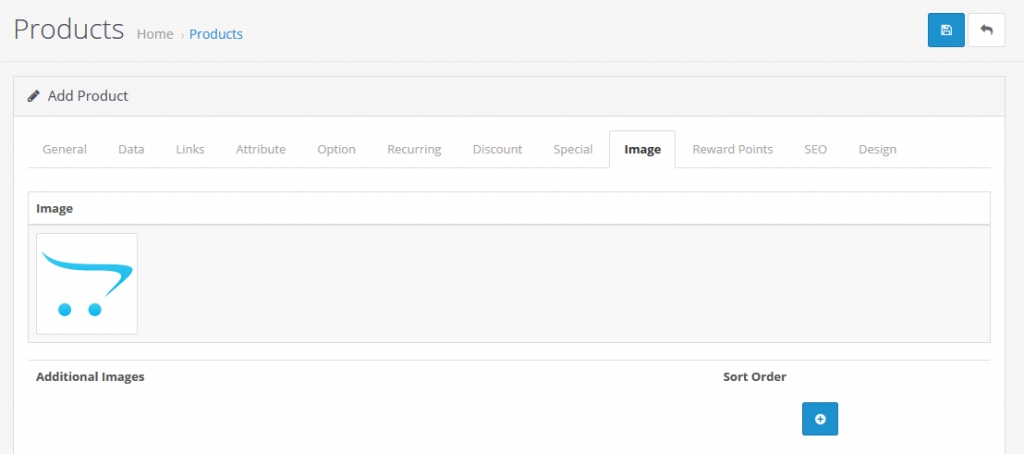
Now go through all the tabs and fill the details that you want. Then click on Save button.
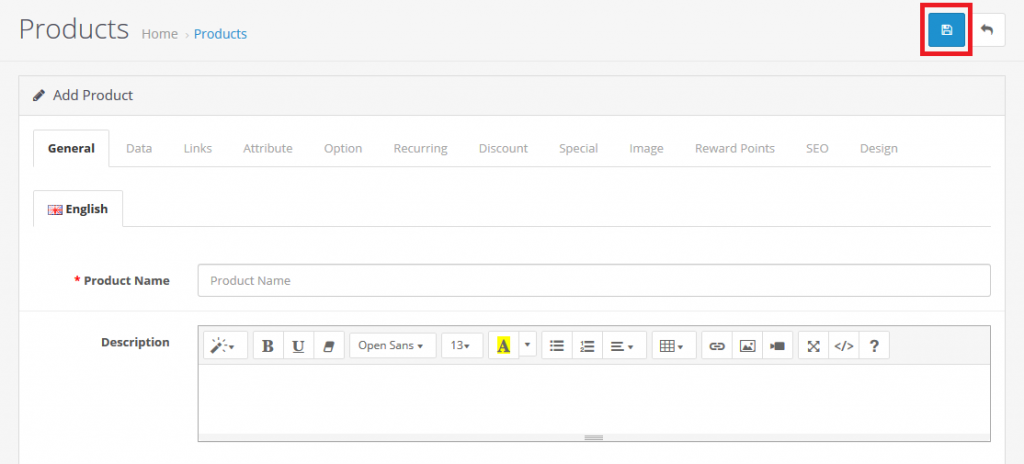
Yeah Done! In the same you can add more Product as you want!
Let us know in the comment section, if you have any question.

Ecommerce Root is one of the leading ecommerce guide which provides total solutions for ecommerce.


Leave a Reply